Directive Website Kit
Your business.
Your website.
Entirely yours.
Build it with your AI. Put it online in your name. Come back whenever something changes. A guided kit for making a website you can be proud of.
A$149A$149A$99Code FOUNDER at checkout · Ends 13 Oct (Perth)One payment · Not a subscription Works with Claude Code and Codex
A website of your own.
A place to begin
Already good.
Now make it you.
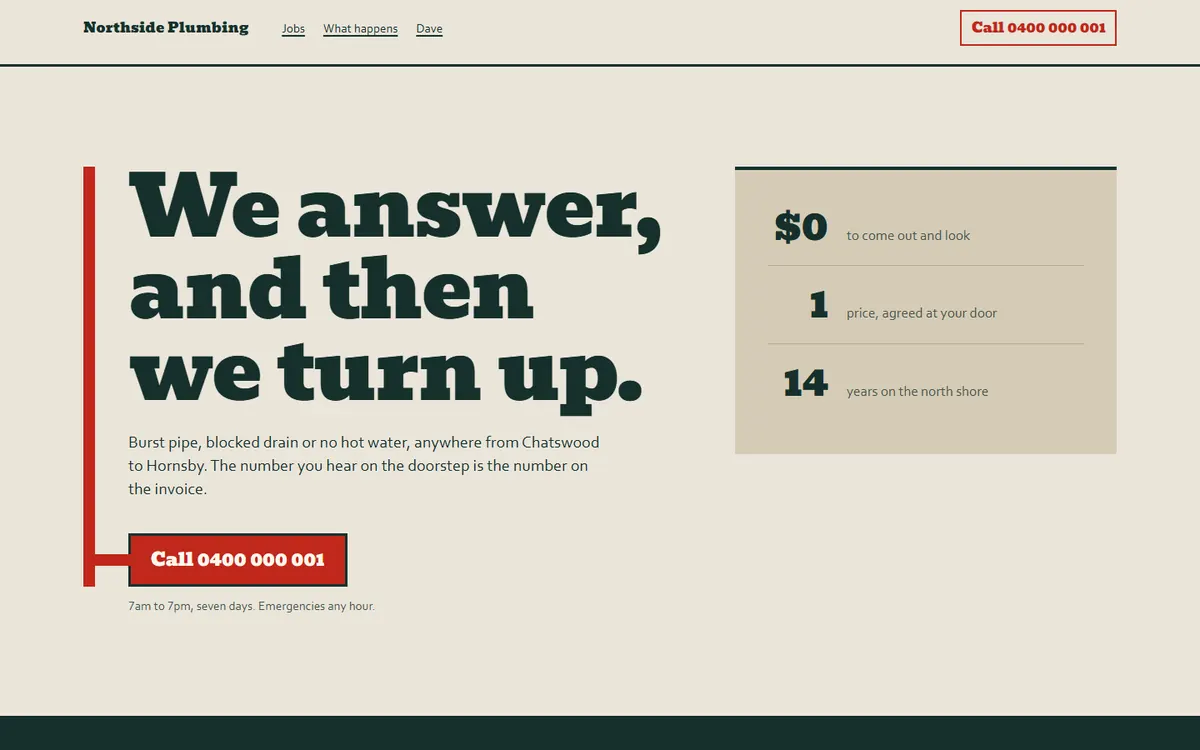
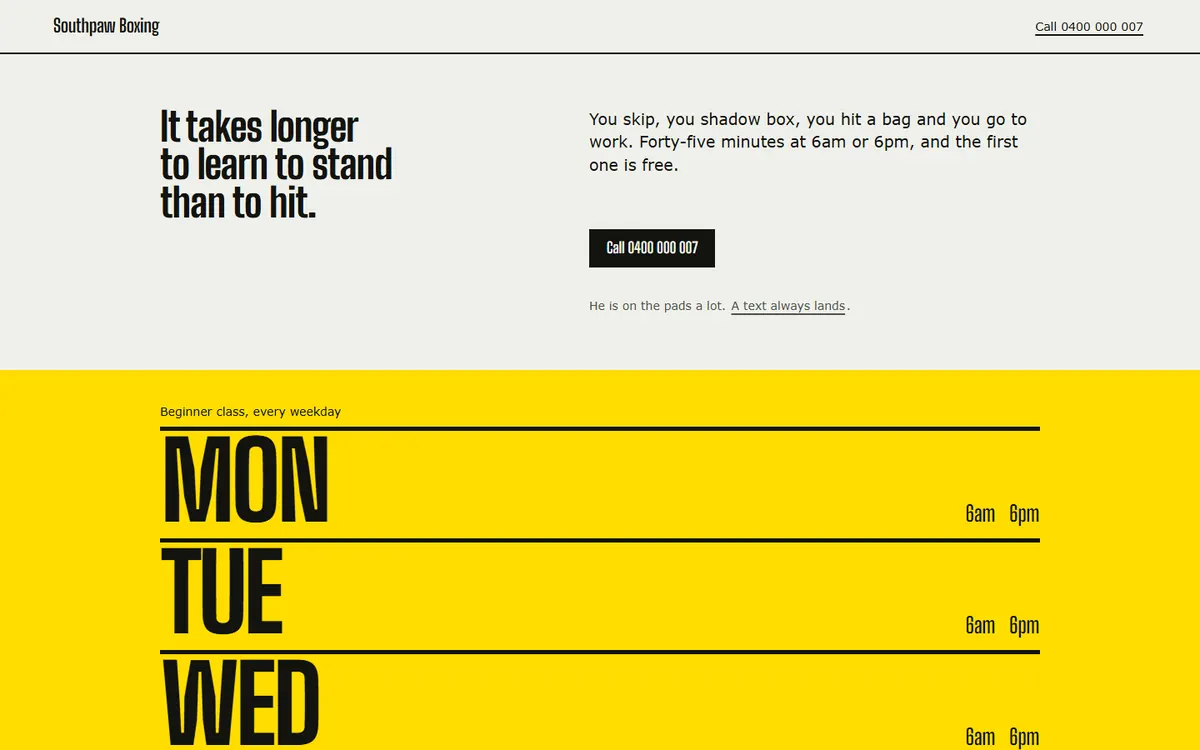
Nine distinctive designs. Choose one, bring your own ideas, or start with the website you already have.
Find your starting pointA website you can make your own
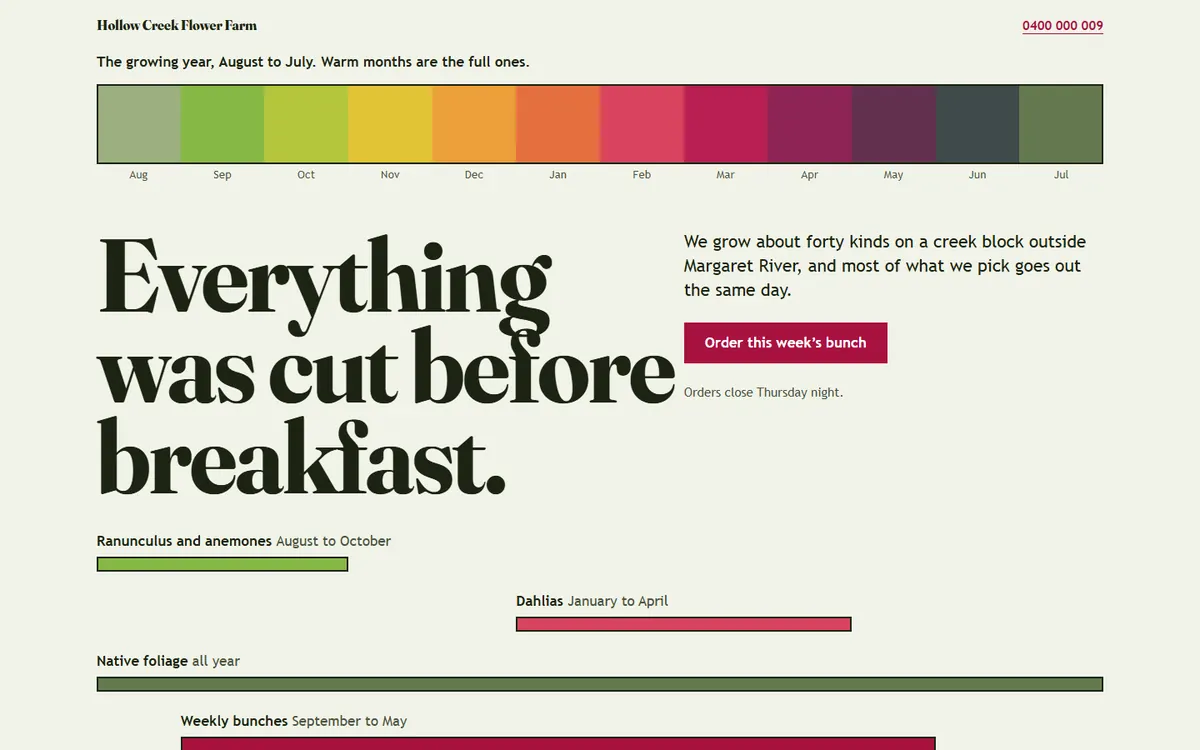
From the first idea
Your words.
Something real.
You know your business. Your assistant handles the code. The kit gives the work a shape, from the first conversation to a website you can put online.
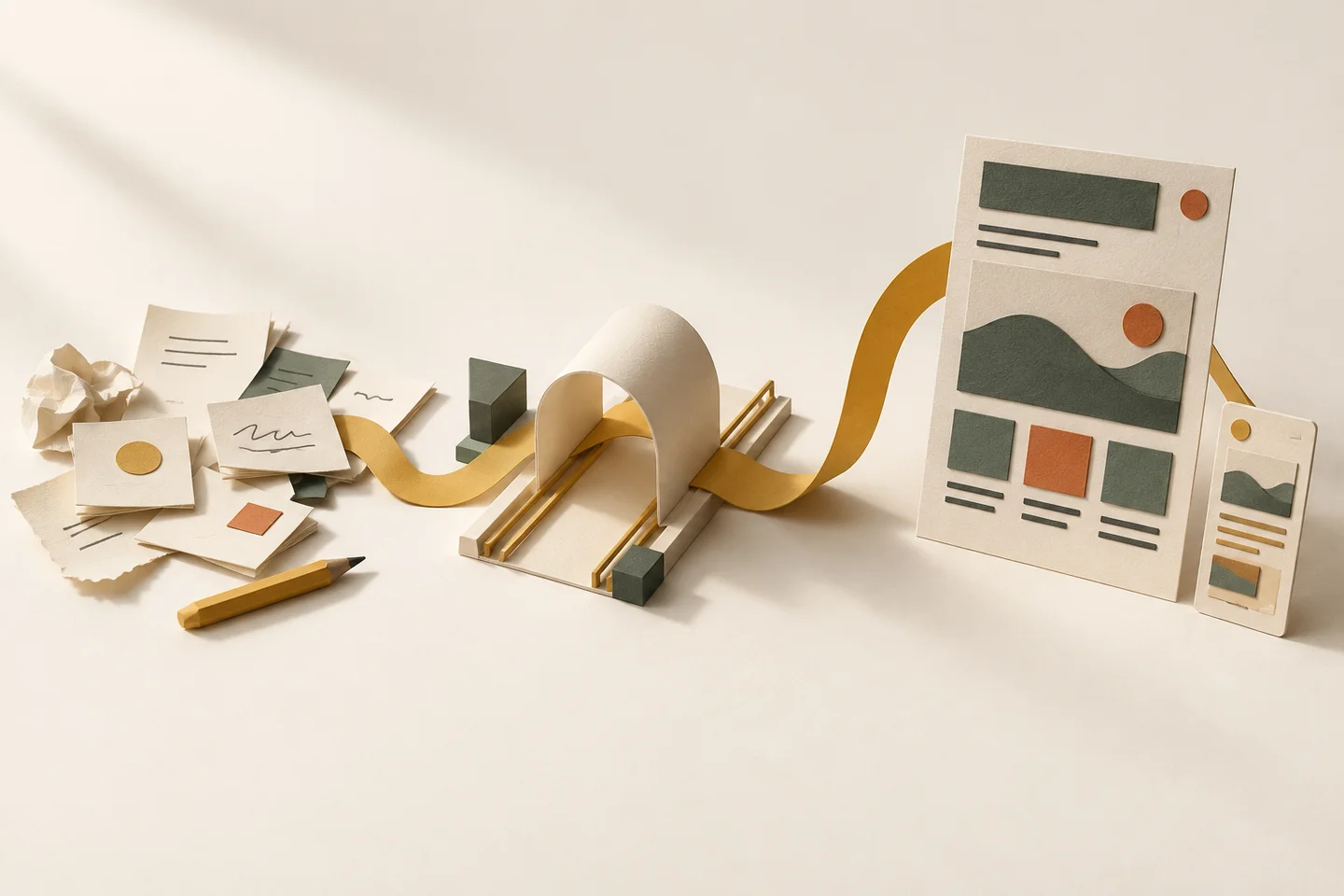
Bring what you know.
Your business, your words, your ideas. Your assistant asks the questions that turn them into a brief.
Watch it take shape.
See the actual website as you work. Ask for changes in your own words. You have the final say.
Put it out there.
Check the details, then publish on free hosting, in accounts that belong to you.
What does that actually look like?Open a real working session +
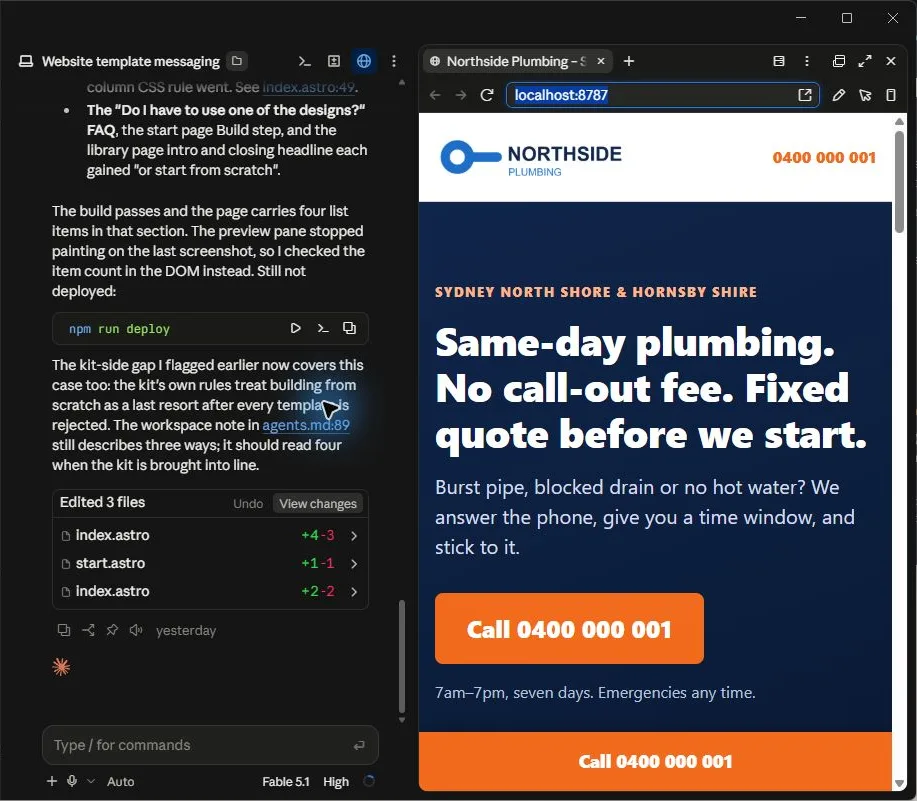
One focused afternoon, with progress saved at every step. Read the start guide ↗
Your files. Your accounts. Your call.
What comes with you
The whole thing.
In your hands.
Nothing of ours sits between you and your website. If we stopped tomorrow, it would keep working.
Your website files
Plain files on your laptop. Change them, move them, keep them. No builder to log into.
Your accounts
One keeps every version. One hosts your site. Both are in your name, and both are free.
Your own address
A free one to start with. Yourbusiness.com.au whenever you want it, registered by you.
The guidance, too
The kit stays on your laptop. Change host, change assistant, or carry on without us.
A closer look before it leaves
Checked before
it goes live.
An eager assistant can happily ship something broken. Before your site goes anywhere, the kit runs a separate set of checks. A failure stops the publish.
The facts belong to you.
Names, numbers and quotes trace back to what you supplied. Nothing invented to fill a gap.
Readable. Measurably.
Colours are checked against what is really behind them, on a desktop and on a phone.
Everything fits.
Nothing runs off a small screen or sits on top of something else.
The sample stays behind.
The example business is searched for by name and number until no trace remains.
Private stays private.
You name what must never appear online. It is checked before the site goes live.
Your email survives.
Your address settings are copied before a move, with a way back if anything goes wrong.
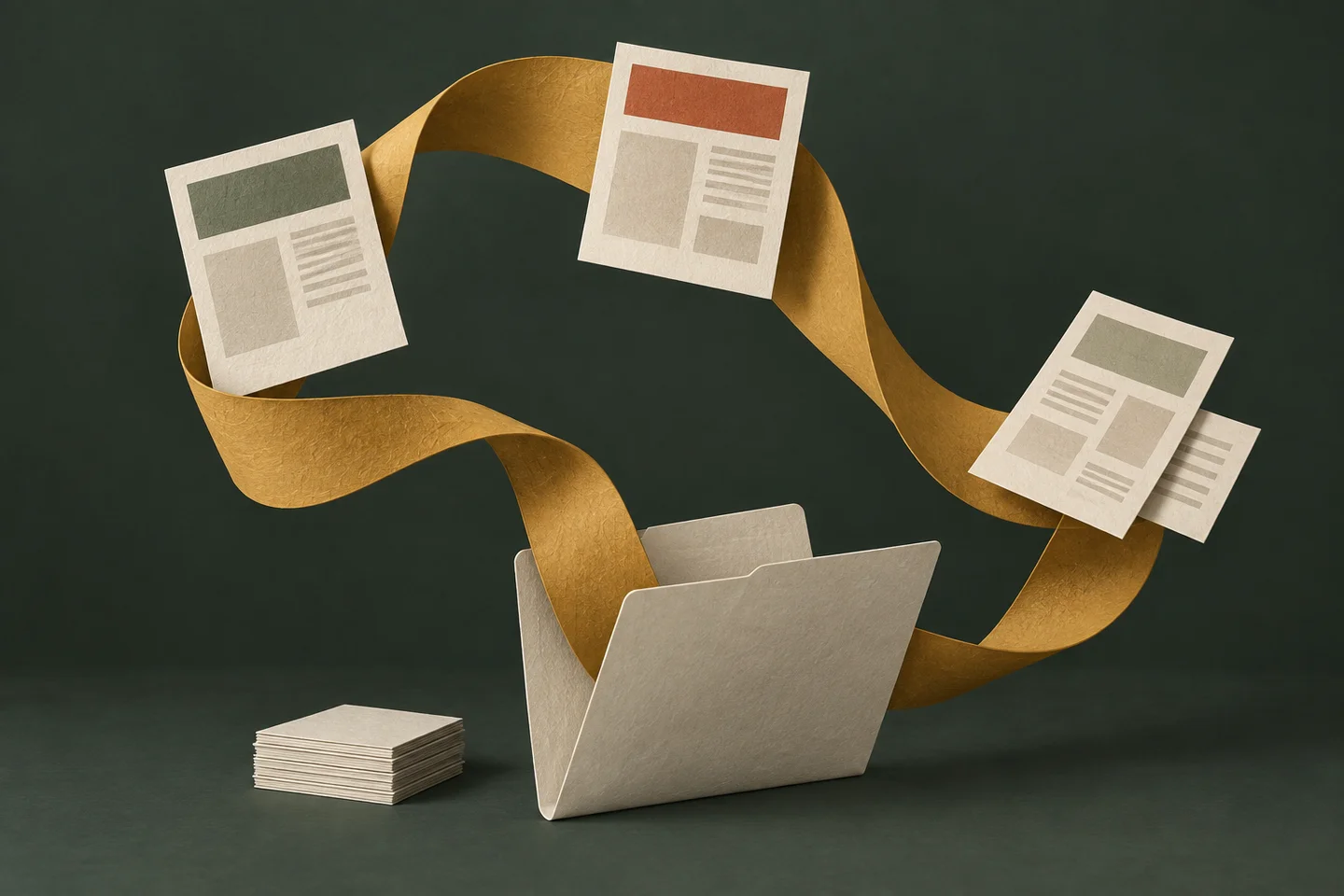
Made for month fourteen
Life changes.
Your website
comes with you.
New hours. A new service. A second location. Open the folder, tell your assistant what changed, and pick up where you left off.
The preview, the checks and the publish follow the same path as the first time. You don’t have to remember how it all worked.
How your assistant remembers
One plain file records what was decided and where you stopped. Your assistant reads it first, every time.
- 1. Start: setup checked, both accounts logged in
- 2. Discover: brief written and approved
- 3. Build: site built, good enough to go live
- 4. Review: all checks passed
- 5. Deploy: site live at its own address
- 6. Update: first change made and seen live
- 7. Own web address (optional, later): email still working
Stop after any step and pick it up days later.
“We’re staying open until four on Fridays now.”
Sample café · opening hours
Friday
7 am – 2 pm
Before the change
Same website. One detail changed.
Find your starting point
A design that
feels like you.
Nine distinctive designs for real businesses. Each works before you have a logo, photographs or a review.
Make one your own, borrow an idea, or rebuild the website you already have with the pages it needs.
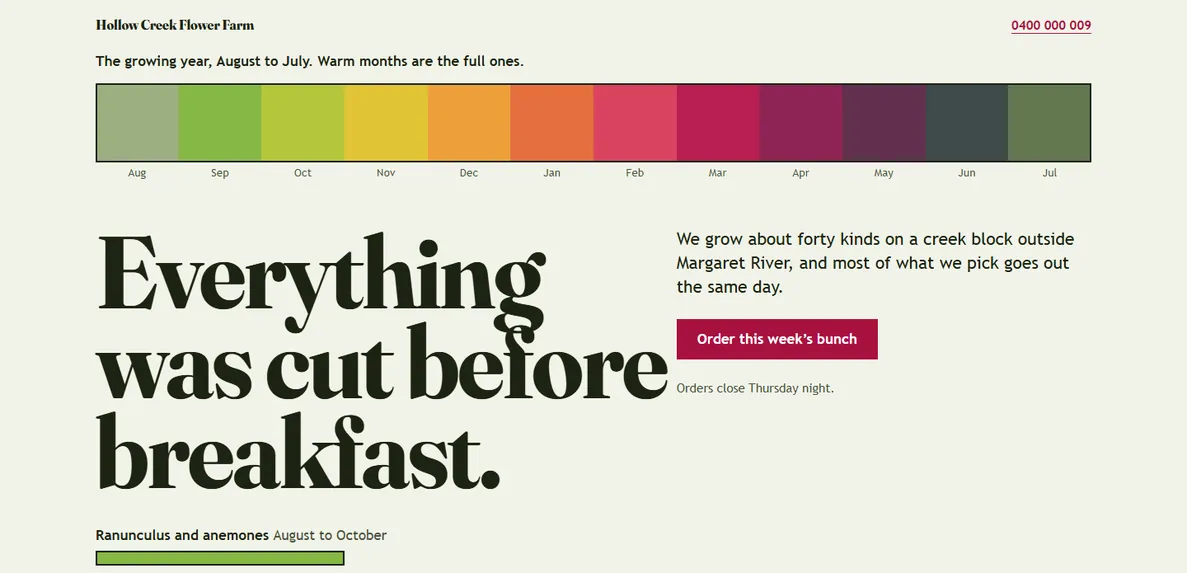
Field
Growers · Florists · Farm gates
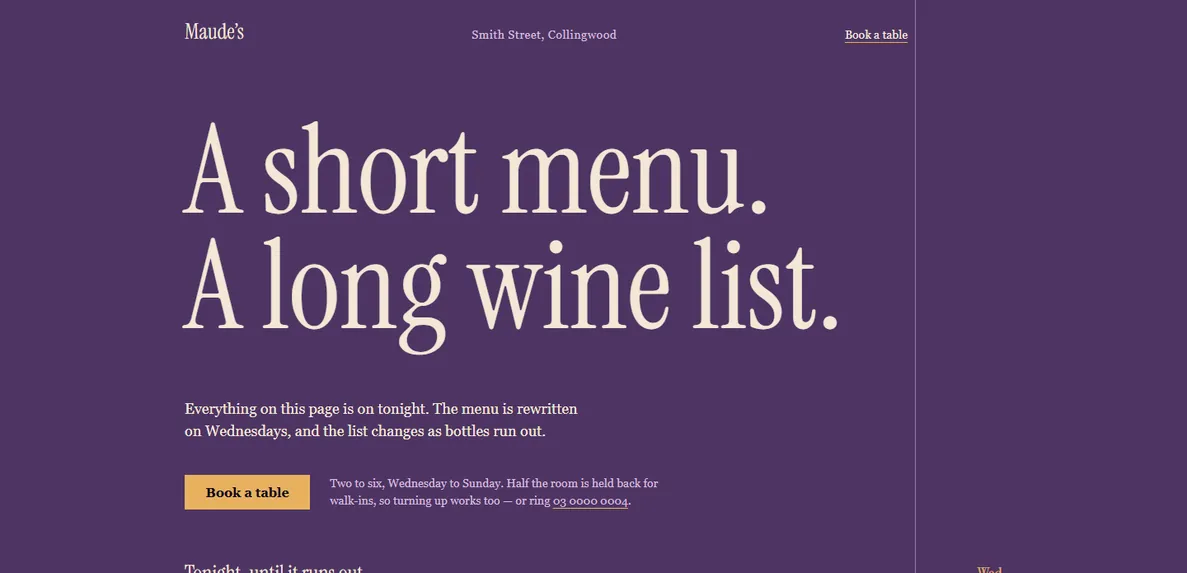
Late Table
Restaurants · Wine bars · Bistros
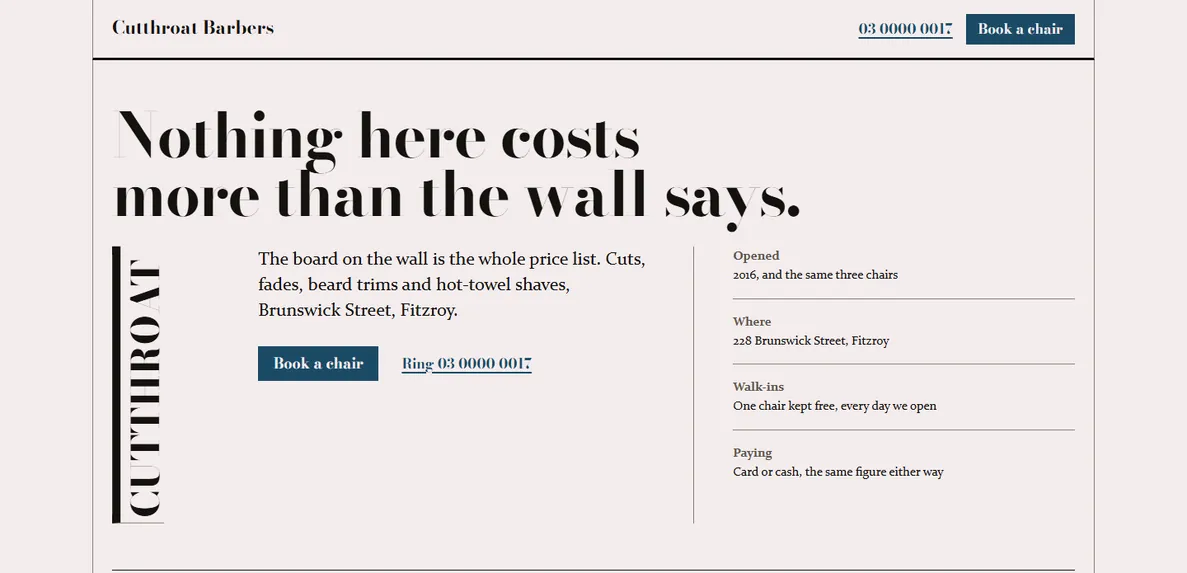
Ink
Barbers · Tattoo studios
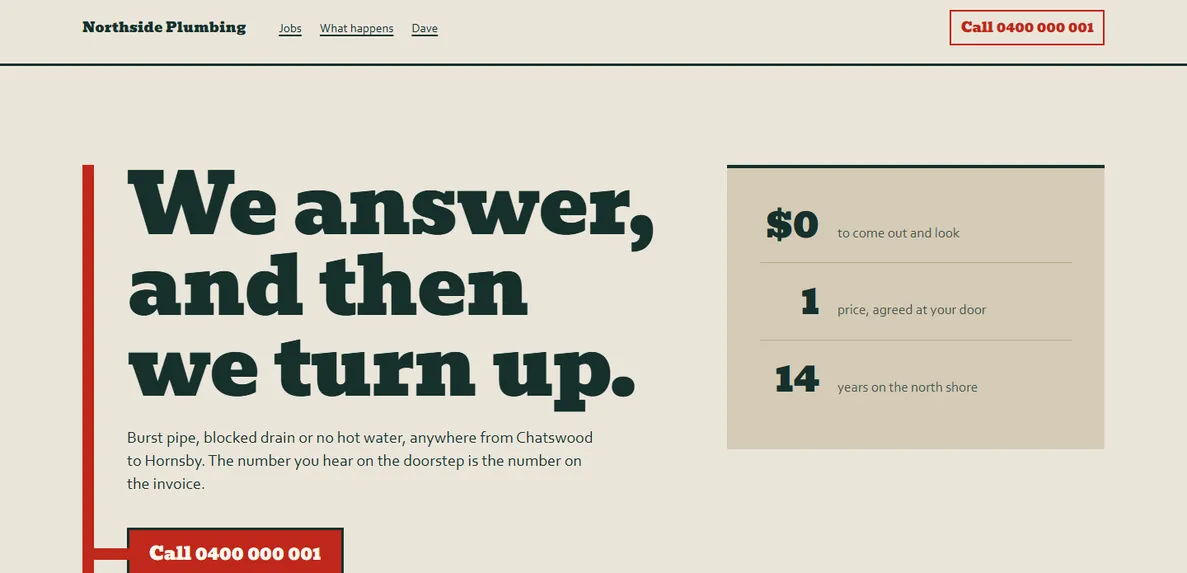
Bold Trade
Trades · Mechanics · Removals
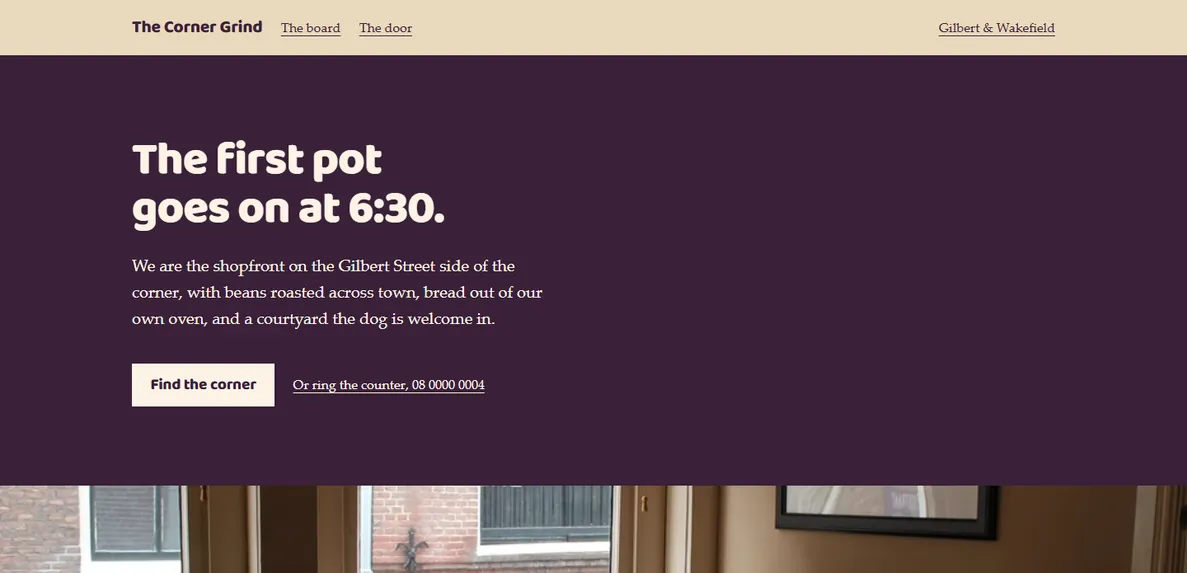
Warm Local
Cafés · Bakeries · Salons
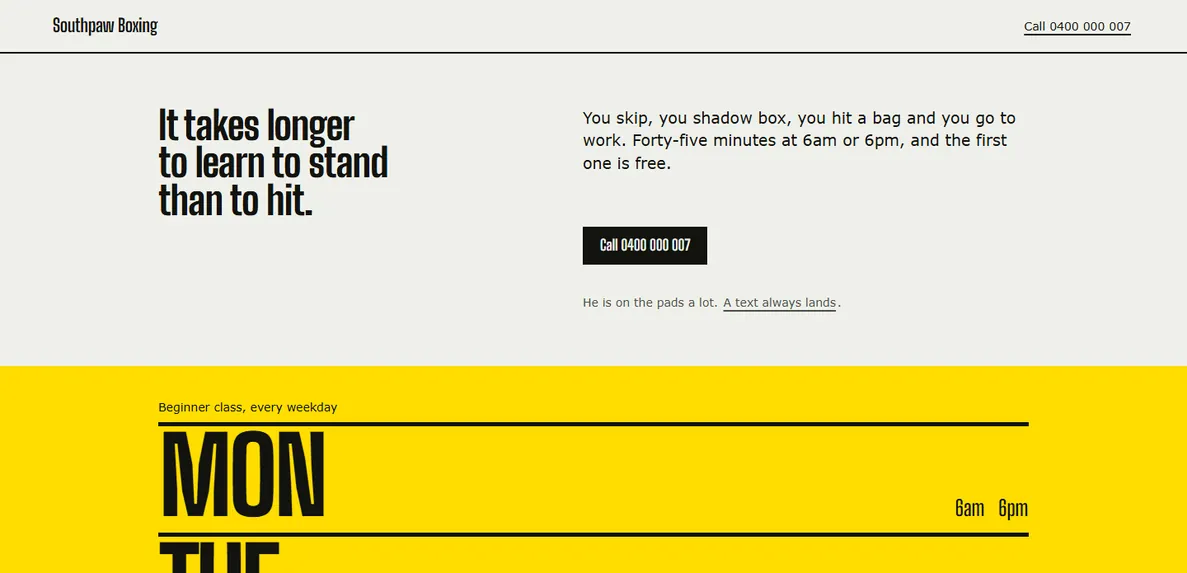
Tempo
Gyms · Studios · Classes
Open any of them and look around.
See all nine designsThe longer view
The first afternoon is just the beginning.
What matters after that is what it costs to keep going, who holds the accounts, and what happens when you need a change.
Compare the three ways to get a website
| What you are comparing | Website Kit | A monthly care plan | A one-off build |
|---|---|---|---|
| Up front | A$149 | Often nothing | Typically A$500 to A$1,000 |
| Every month after | Nothing to us | Commonly around A$99 | Nothing, until you need a change |
| Three years, all in | A$149 | About A$3,564 | The build, plus whatever the changes came to |
| Who does the work | You, with your assistant, in an afternoon | They do, and you wait | They do, over about a week |
| What you own at the end | The files, both accounts and the web address, all in your name | Varies, and it is worth reading before you sign | Usually the finished site. Ask who holds the accounts |
| If you stop paying | Nothing happens. Your site stays up and stays yours | Some plans take the site down | Not applicable |
| Changing the hours in month fourteen | You open the folder and say what changed. Same as day one | Ask, and wait for someone else’s queue | A new job, usually quoted |
The A$3,564 is thirty-six months at A$99. We have not invented a competitor to lose: these are the shapes of offer a small business in Australia is commonly quoted, and the numbers are round ones from the middle of that range. Get the real figures from whoever is quoting you, and read what happens to your site if you leave.
The price
One payment.
Then it is yours.
Buy it once and use it as often as you like: this website, the next version, and every change in between.
A$149A$149A$99Code FOUNDER at checkout · Ends 13 Oct (Perth)
One payment · not a subscription
Ongoing cost. Only your AI assistant: Claude Pro at US$20 a month, or Codex, included with any ChatGPT plan. Node.js, which runs the checks, is a free one-off install. Hosting is free. A web address of your own, if you want one, is bought by the year from a registrar. Nothing of ours renews. Which assistant.
- The kit: the guided path from first question to live website, and the same path for every change after
- Nine finished designs, and every new one added in your first year
- The checks that stop a broken page going live
- Twelve months of updates and email support
- Yours to keep, and yours to use, after the twelve months are up
Your kit and your library link go here. You can change it at checkout.
Straight away. Your kit arrives by email the moment payment goes through. Nothing to wait for, and nobody to chase.
Or your money back. Fourteen days to change your mind. Email us from the address you bought with, say "refund", and the money goes back to your card. Nothing else is needed.
Have a discount code? Enter it at checkout.
Available worldwide. Checkout shows one of our fixed currency prices, with applicable tax included.

The person behind the kits
Created by Mash Prime,
founder of Directive Systems.
Mash designs, builds and runs software through Directive Systems. Directive Kits brings that work into self-serve projects you can use with your own assistant.
Meet Mash at Directive SystemsWhat kind of website is it for?
A website for a service or local business: a trade, a practice, a café, a studio, a consultant. What you do, who for, how to reach you, and why people come back.
It starts as one page, because that is the version that gets finished. More pages arrive in the same design when your business needs them: a menu or price list, a gallery, a page for a service people search for by name, a second shop or workshop, a privacy policy. Your assistant works out with you whether a thing wants its own address or belongs as a section of the page you already have.
It is not for online shops, booking systems or member areas. Those are different jobs, and the site links out to whatever you already use for them.
Can it grow into more than a brochure?
Yes, and there is a point where the way it is built changes. While the site is a handful of pages, each page is a plain file and the top bar is copied into all of them. Once the pages share more than they differ, the kit can switch on a site generator, Astro, which builds every page from one shared template, so the top bar lives in one file again.
It stays switched off until you choose it, and your assistant tells you what it costs before you do: a build step, one more tool to keep an eye on, and pages made by a command rather than written by hand. It never happens on your first extra page, and it can be undone, which puts the plain files back.
Do I need to know how to code?
No. You need to be able to answer questions about your own business and click buttons when you are told which ones. Your assistant does the typing and explains anything technical the first time it comes up. It asks at the start how familiar you are with this sort of thing, and adjusts how much it explains.
What do I need before I start?
A computer, and one of the two AI assistants the kit is built for: Claude Code, which runs inside the Claude desktop app, or Codex, which runs inside the ChatGPT desktop app. You only need one. The assistants page covers what each costs and how to install it.
Then about thirty minutes to open two free accounts, and one focused afternoon for the site itself. You do not need a logo, photographs or a testimonial: every design is built to look finished without them.
I already have a website. Can I start from that?
Yes. Give your assistant the address and it reads what is there: your services, your wording, your contact details. It asks you what still holds and what has changed, then rebuilds the site in files you own. Your old site stays up until you move the web address across.
It also lists every address your current site publishes and goes through them with you, one at a time: keep this one as a page of its own, fold that one into a section, let this one go. The pages you keep exist on the day you switch over, a folded or dropped address is pointed permanently at wherever its content went, and the new site goes live on a free address first so you see the whole set before the web address moves.
Some things do not come across as they were, and it says so up front: your wording is kept but headlines get shorter, a brand colour may be darkened so the text on it stays readable, the fonts become the design’s, a contact form becomes a call or email button, and any published review is checked with you again before it goes back up.
Do I have to use one of the designs?
No. The designs are there so you are never starting from a blank page, and they are the quickest path to a finished site. Use one as it is, take one as inspiration for something of your own, start from the website you already have, or start from scratch and describe what you want. Whatever you start from, the same checks run before anything goes live.
Will I have to pay for hosting?
No. The kit puts your website on Cloudflare, a company that hosts websites, using its free plan. It is free for a site like yours, with no trial that runs out.
Netlify is documented as an alternative and your assistant walks you through it if you want it: its free plan allows a business site and includes an enquiry form at no extra cost, and it runs on a monthly credit allowance that pauses a site once the credits are used up until the next month or a paid plan.
Two things are separate costs: a web address of your own, like yourbusiness.com.au, which you buy by the year, and access to your AI assistant.
Can I use my own web address?
Yes, and there is a whole step for it. If you already have a web address with email on it, that step is written around keeping the email working.
What happens after I buy?
We email you a link to your library, where the kit, the designs and the start guide are waiting.
Is this a website builder?
No. There is no editor to log into and nothing of ours between you and your site. It is your files, on your computer, published from your own account. Your website keeps working whether or not we do.
What if I get stuck?
Tell your assistant what is on your screen first; it can talk you through most things. After that there is a page of common problems and their fixes, and an email address that answers within a couple of business days.
Can I use it to build sites for my clients?
The licence covers one business, yours. If you build websites for other people and want to use the kit and the designs for client work, get in touch and we will sort out a studio licence.
Ready when you are
Make a start.
Make it yours.
Half an hour to set up. An afternoon to build. A website you can keep making your own.
Also from Directive Kits: Video Kit, for showing what you made, and Handbook Kit, for writing down how your business works (coming soon).